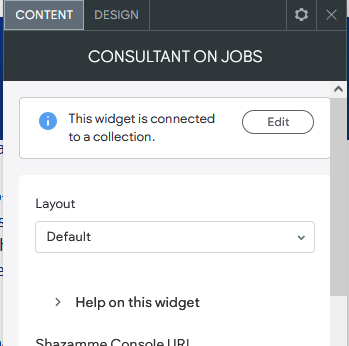
If the consultant widget is no longer displaying consultant details on a job details page, this is usually caused by a field configuration change in the consultant collection.
Why This Happens
The consultant widget relies on the eMail field being set as a Rich Text field.
If this field is changed to another type (for example, Email), the widget will stop working due to how it’s configured.
How to Fix It
Go to the Consultant collection in your website editor.
Change the eMail field back to Rich Text.
Change the eMail2 field to Email.
Go to the Consultant Dynamic Page.
Locate where the email is connected on the page.
Update the data connection from eMail to eMail2.
Save and republish your site.
Revisit the job details page — the consultant widget should now display correctly.
Important Note
If you need the consultant’s email to be clickable (for example, linked to a button or text), always use the eMail2 field.
The eMail field should remain Rich Text to ensure widget compatibility.
Was this article helpful?
That’s Great!
Thank you for your feedback
Sorry! We couldn't be helpful
Thank you for your feedback
Feedback sent
We appreciate your effort and will try to fix the article