Site Personalization Just Got a Major Upgrade
We’ve completely redesigned our Site Personalization experience to make it easier, faster, and more intuitive to create, manage, and optimize visitor interaction rules across your site. The result is a more productive way to create visitor experiences that can help increase lead generation, engagement, and customer loyalty.
Aside from a total redesign to the UI, we also added some rule settings to improve the overall experience. Here’s what’s new:
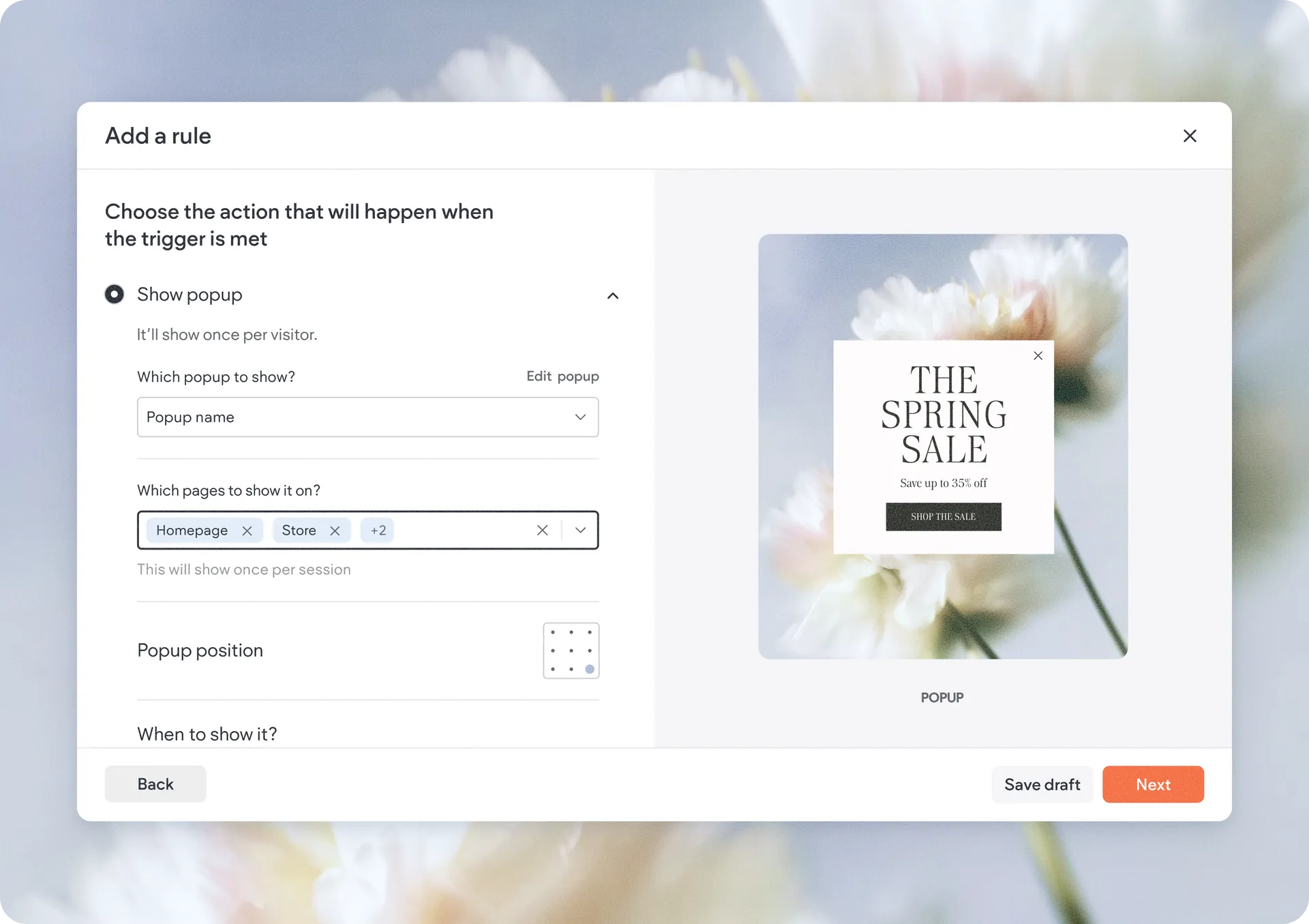
Apply a rule across multiple pages
With this update, you can now target multiple pages within a single rule, making setup significantly faster and easier to maintain.
This is especially useful for promotions that appear across several site pages, site-wide announcements, and more.
More powerful popup display conditions
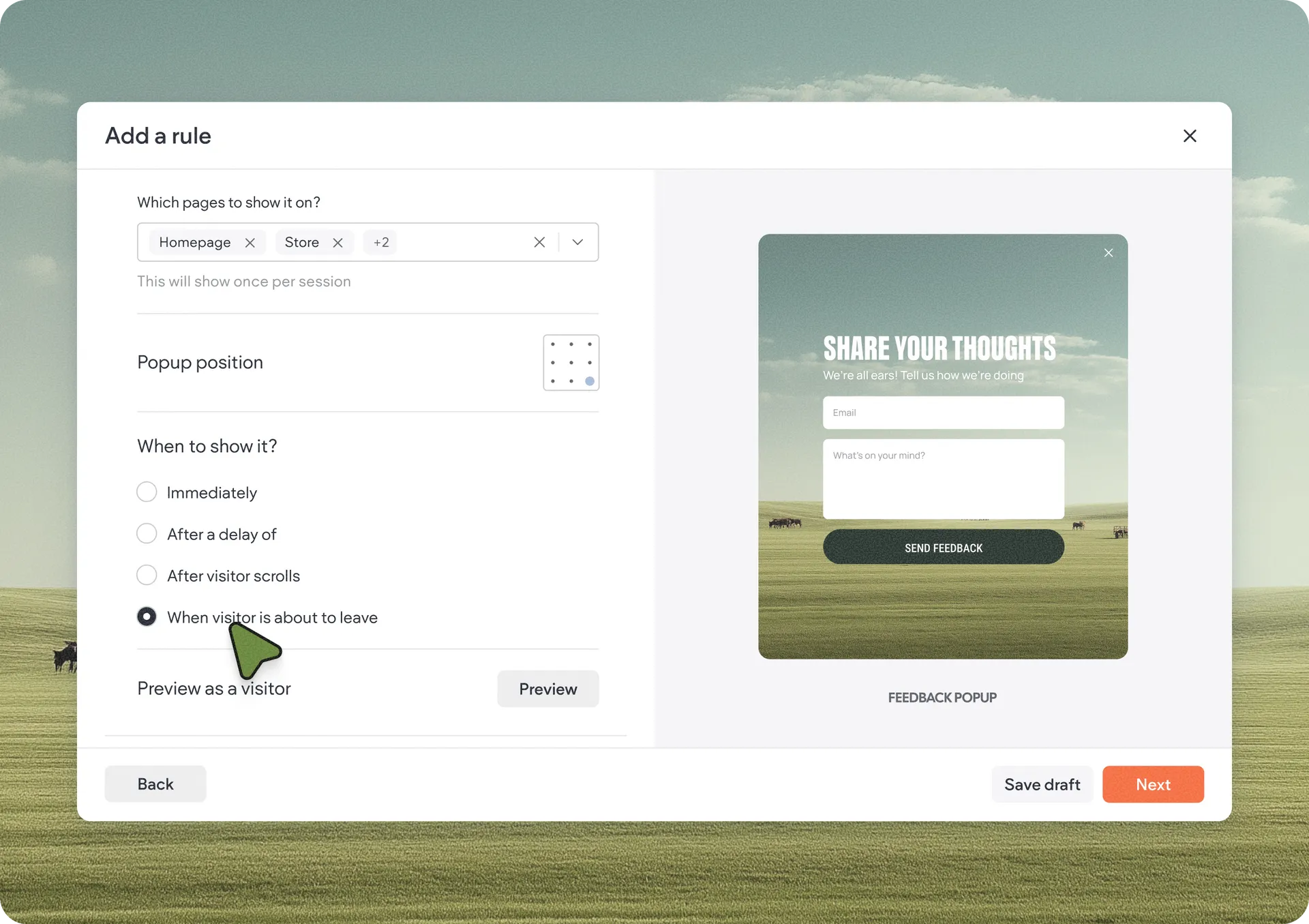
We’ve significantly expanded popup behavior controls to help you create smarter and more effective visitor interactions.
Now, you can choose from several different display conditions depending on visitor behavior. You can choose to show it:
Immediately as the user lands on the page
After a delay of X seconds
When the visitor is about to leave
Once the visitor has scrolled X% of the page
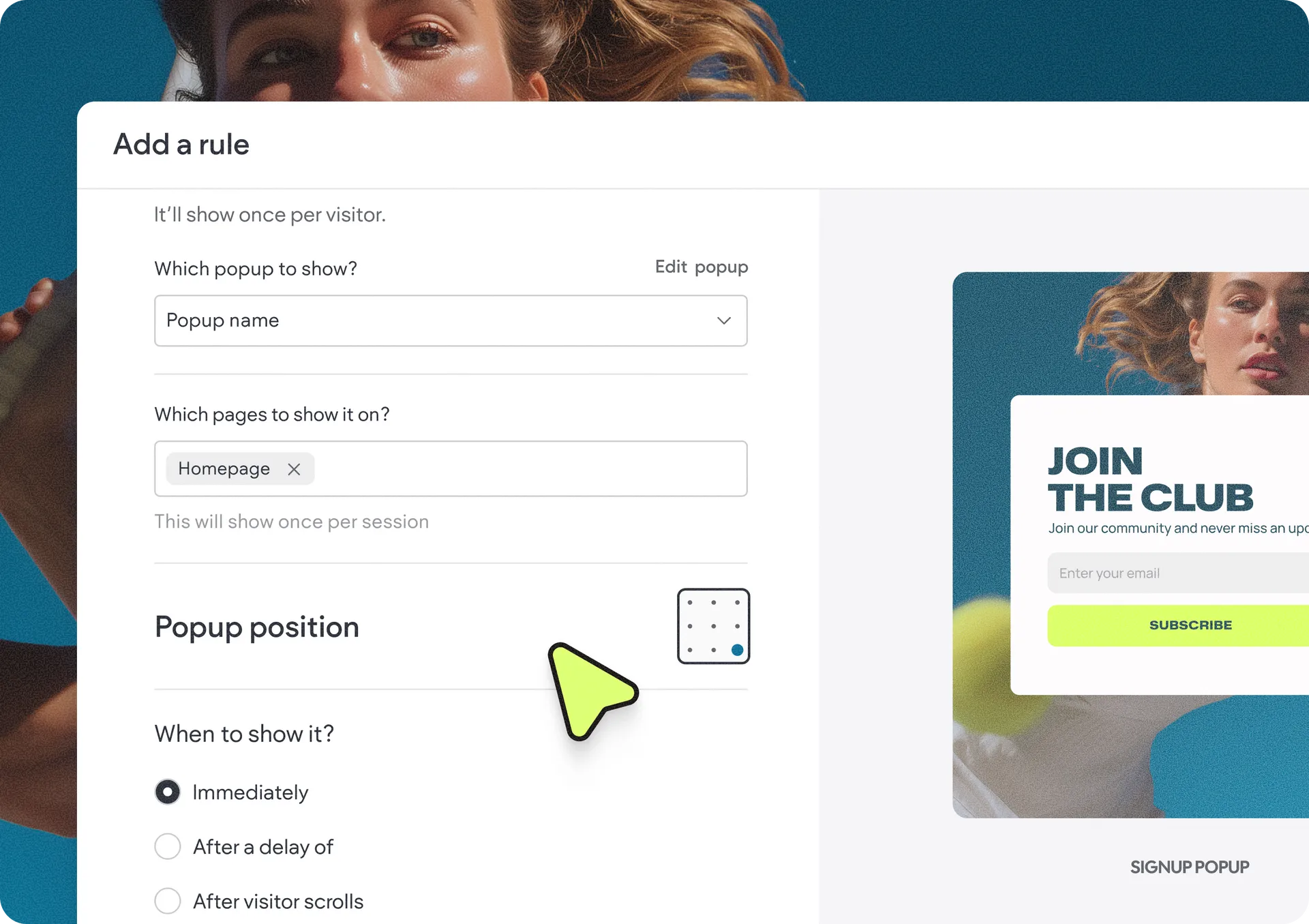
In addition, you can choose the position of the popup on the page, giving you more control than before.
These new conditions make it easier to trigger exit-intent popups to minimize abandonment, show offers after visitors engage with content, delay messages for a less intrusive experience, and show CTAs at better timing in the visitor journey.
Run rules by site language
For multilingual sites, we’ve added a new language trigger that allows personalization rules to run only for selected site languages.
By default, rules apply to all available site languages, but now you can create more targeted experiences for different audiences directly within the same workflow.
This is especially useful for region-specific promotions, localized announcements, language-specific campaigns, and more.
More festive effects to catch attention
We’ve added a few new animation effects for special occasions you can use to impress your visitors. New additions include effects for Christmas, pride, birthday, summer, and spring, so you can make use of special events throughout the year to get site visitors even more engaged.
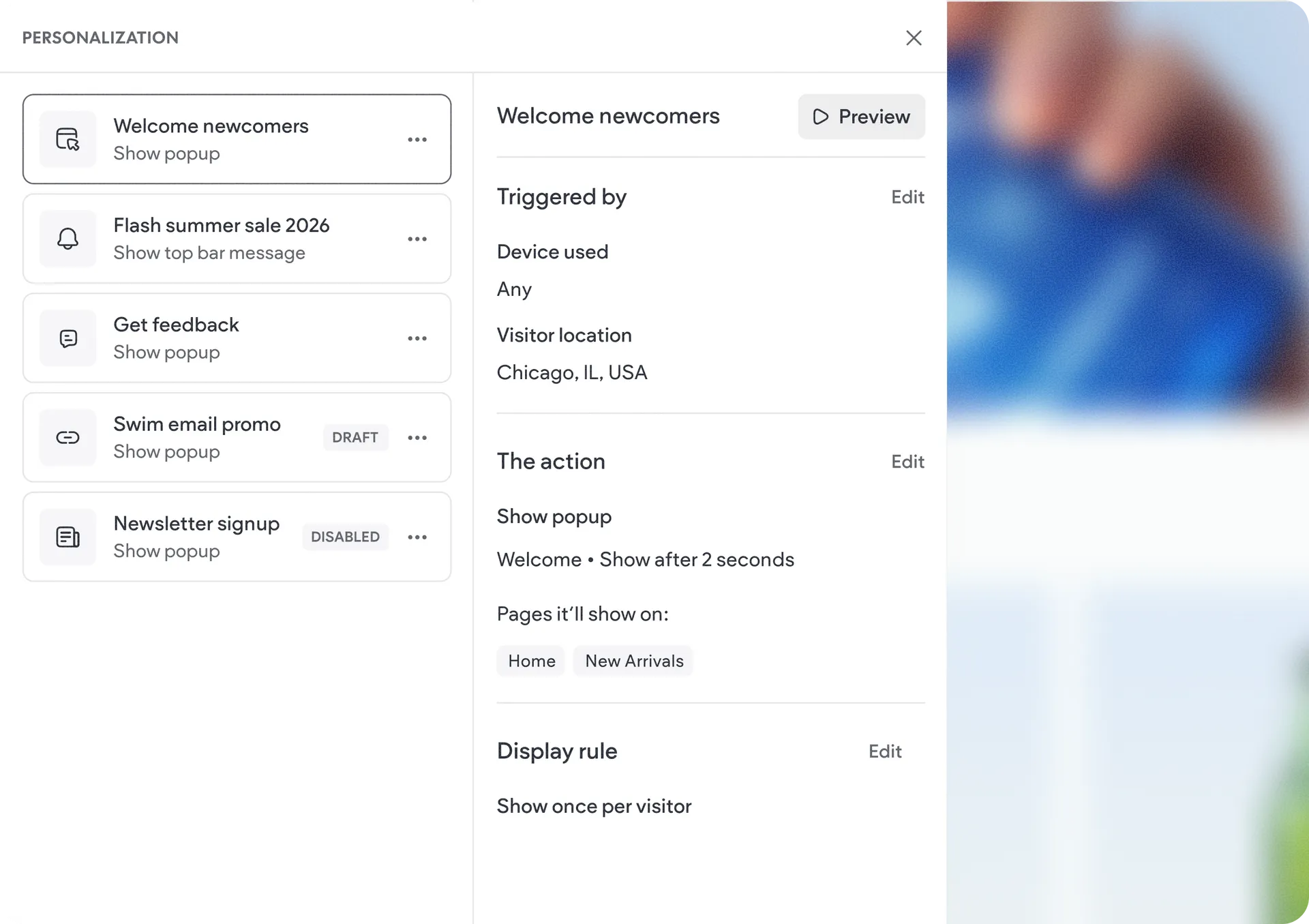
Easier rule review & management with the new summary panel
Managing personalization rules is now much more streamlined. Clicking a rule in the rules list now opens a dedicated summary view that shows key rule details alongside quick-edit entry points.
This lets you see what's configured and quickly make changes to conditions or targeting.
Simplified publishing workflow
As part of this redesign, we also simplified the publishing experience. From now on, personalization rules will only go live after you save & activate the rule, and after republishing your site.
How to get started
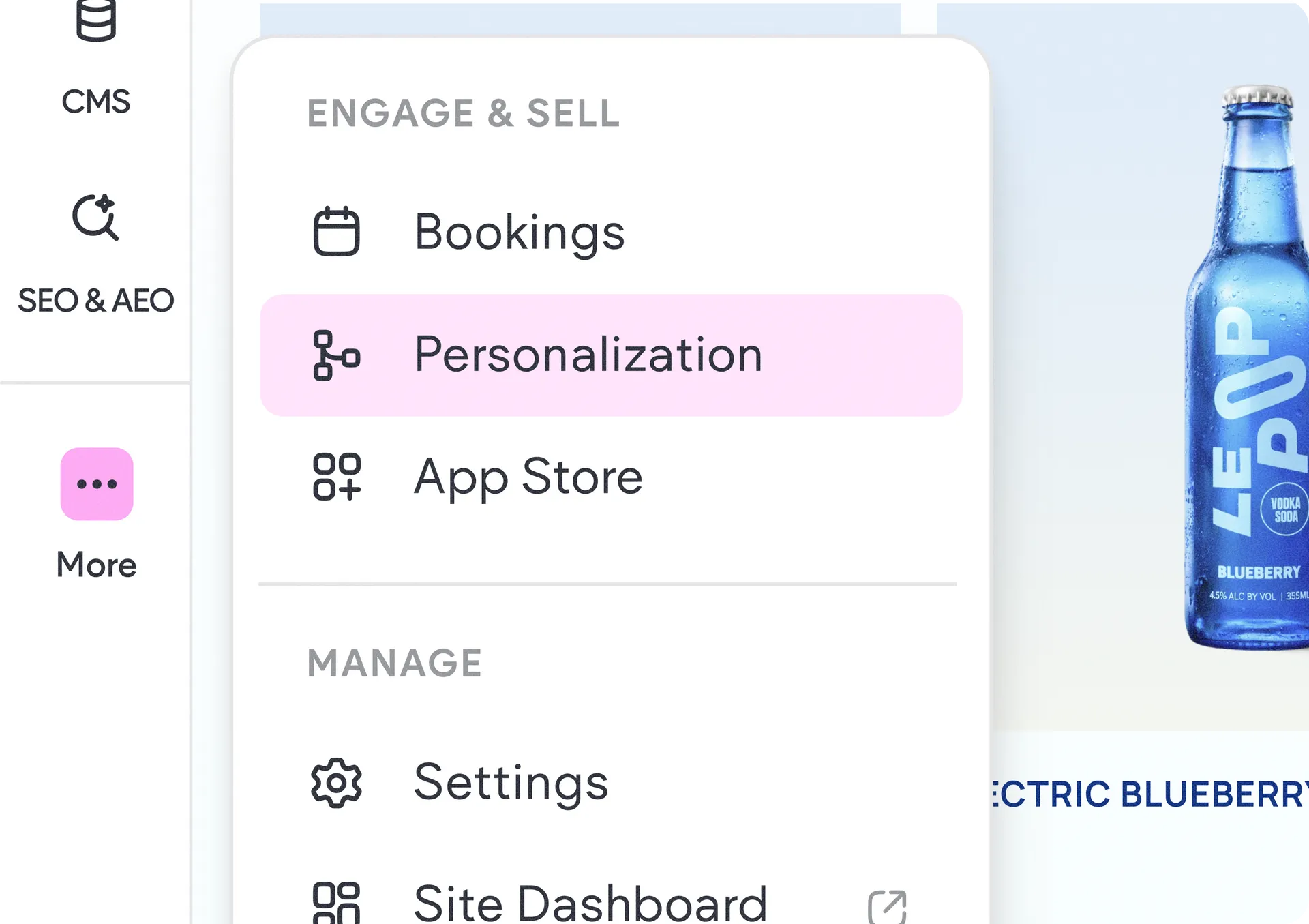
In the editor, click the (...) on the left side panel and select Site Personalization. There, hit the Add Rule button to get started, and the redesigned wizard will take you from there.
Was this article helpful?
That’s Great!
Thank you for your feedback
Sorry! We couldn't be helpful
Thank you for your feedback
Feedback sent
We appreciate your effort and will try to fix the article