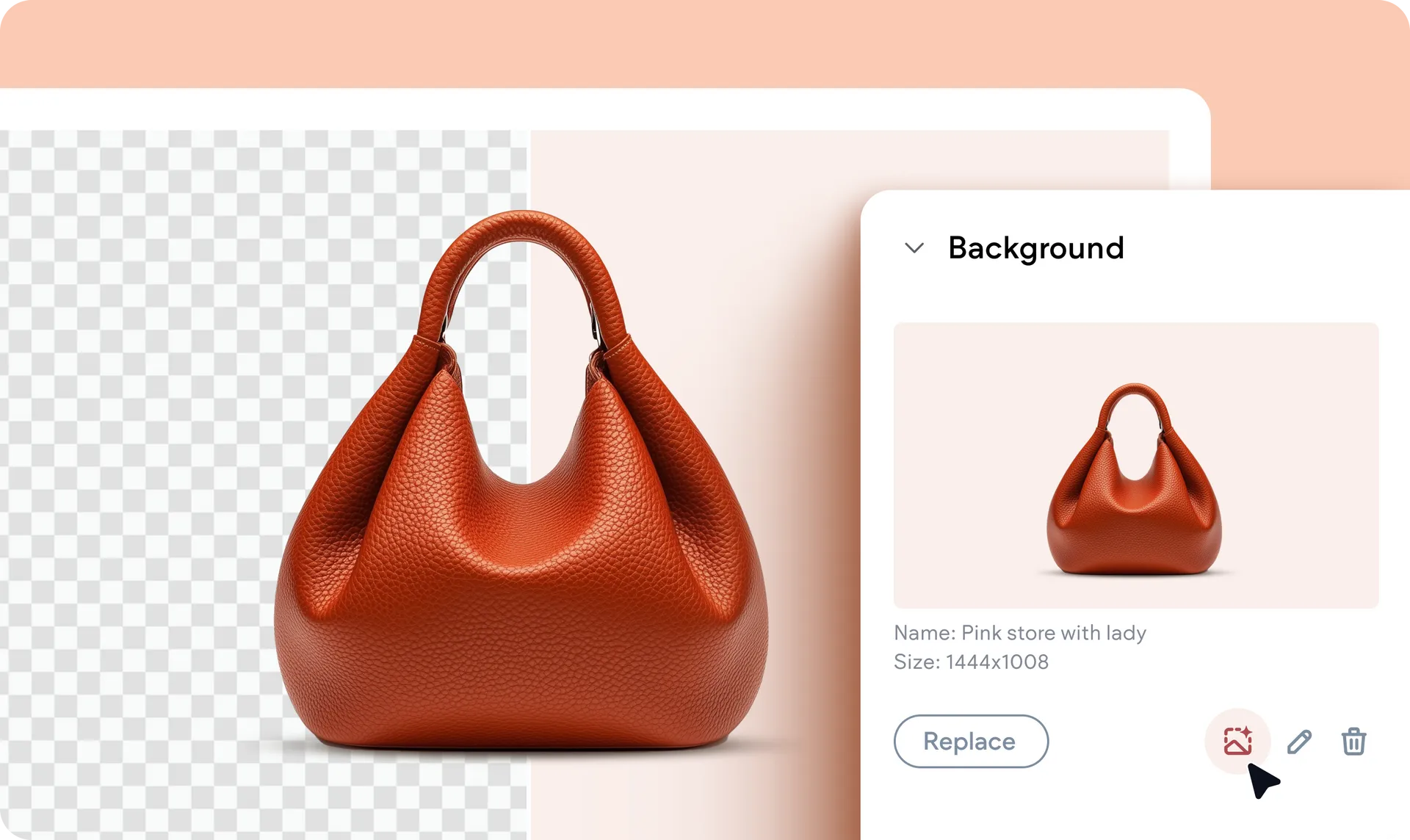
Photo Editing Just Got Better: Say Hello to Background Removal
We’ve upgraded our image editor so it now includes more options, with the most notable one being removing the background of an image. And the best part? We applied this capability to our very own Image widget and container background settings in Editor 2.0.
How it works
To dive right in, go to and click an Image widget in the editor and look for the Remove image background icon right under the image file name. Click it and the background will be removed.
Why you'll love it
This addition brings flexibility and efficiency to your workflow, whether you’re showcasing products, crafting hero sections, or fine-tuning background visuals. Seamlessly apply the background-removal feature to any image or container in real time, giving your designs that professional edge in seconds.
Was this article helpful?
That’s Great!
Thank you for your feedback
Sorry! We couldn't be helpful
Thank you for your feedback
Feedback sent
We appreciate your effort and will try to fix the article