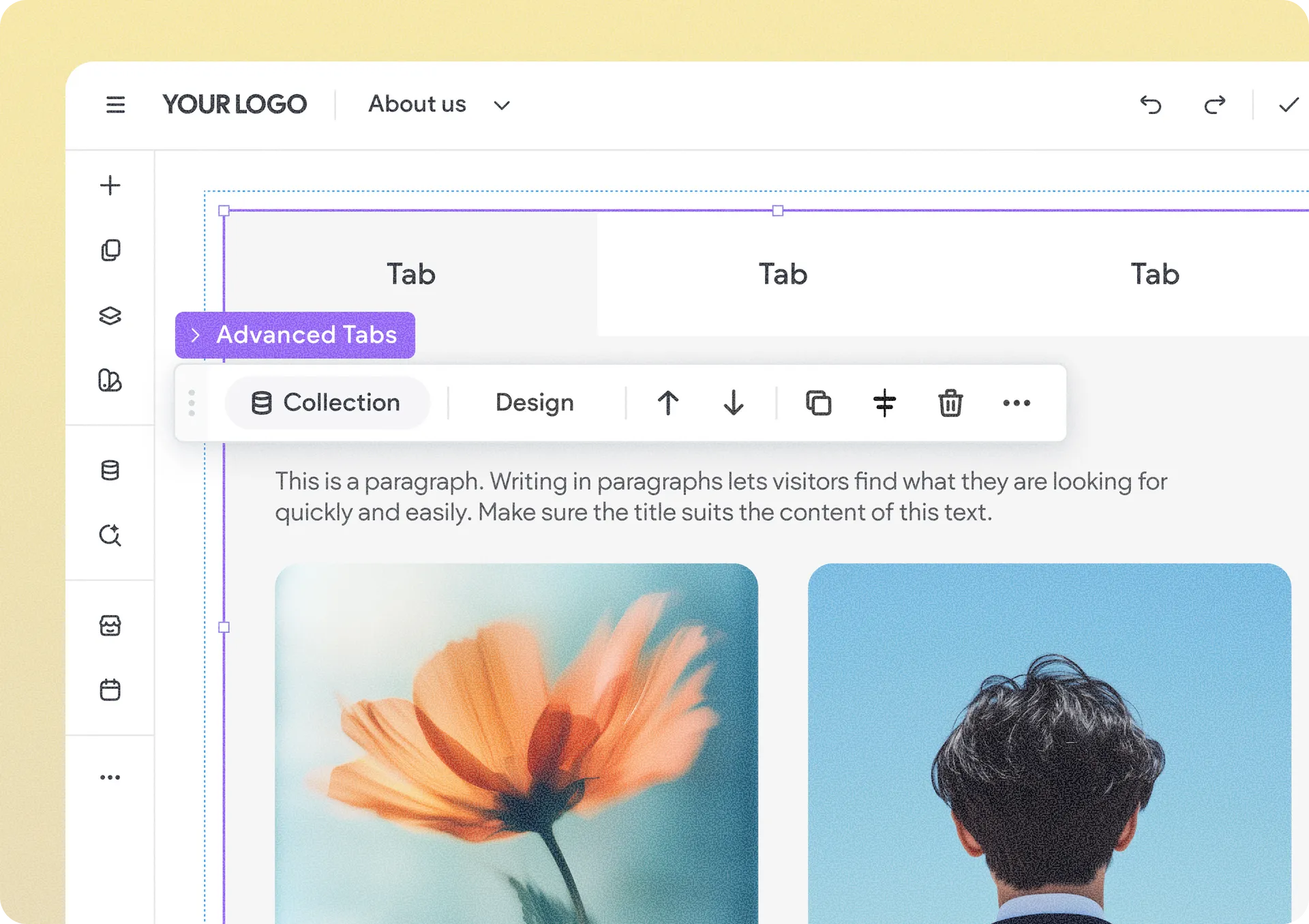
Show Collection Content in Advanced Tabs & Advanced Accordion Widgets
Advanced Tabs and Advanced Accordion widgets just got a lot more dynamic. You can now connect the full widget to a collection so that tab or accordion items are automatically generated from collection rows, with their names connected to collection fields.
That means content-heavy layouts can be managed centrally from the CMS rather than item by item in the editor, making updates faster and helping everything stay in sync.
When Can This Come in Handy?
When you create structured content such as:
Q&A or FAQs
Services or service categories
Pricing plans & packages
Product features
Restaurant menus or food categories
How to Get Started
Add an Advanced Tabs or Advanced Accordion widget and connect it to a collection.
When connected, all items adopt the master layout—the leftmost tab for Advanced Tabs or the first item for Advanced Accordion.
Connect the item names and any elements inside them to the relevant collection fields.
If needed, disconnecting the collection will restore the widget to its previous state.
Was this article helpful?
That’s Great!
Thank you for your feedback
Sorry! We couldn't be helpful
Thank you for your feedback
Feedback sent
We appreciate your effort and will try to fix the article