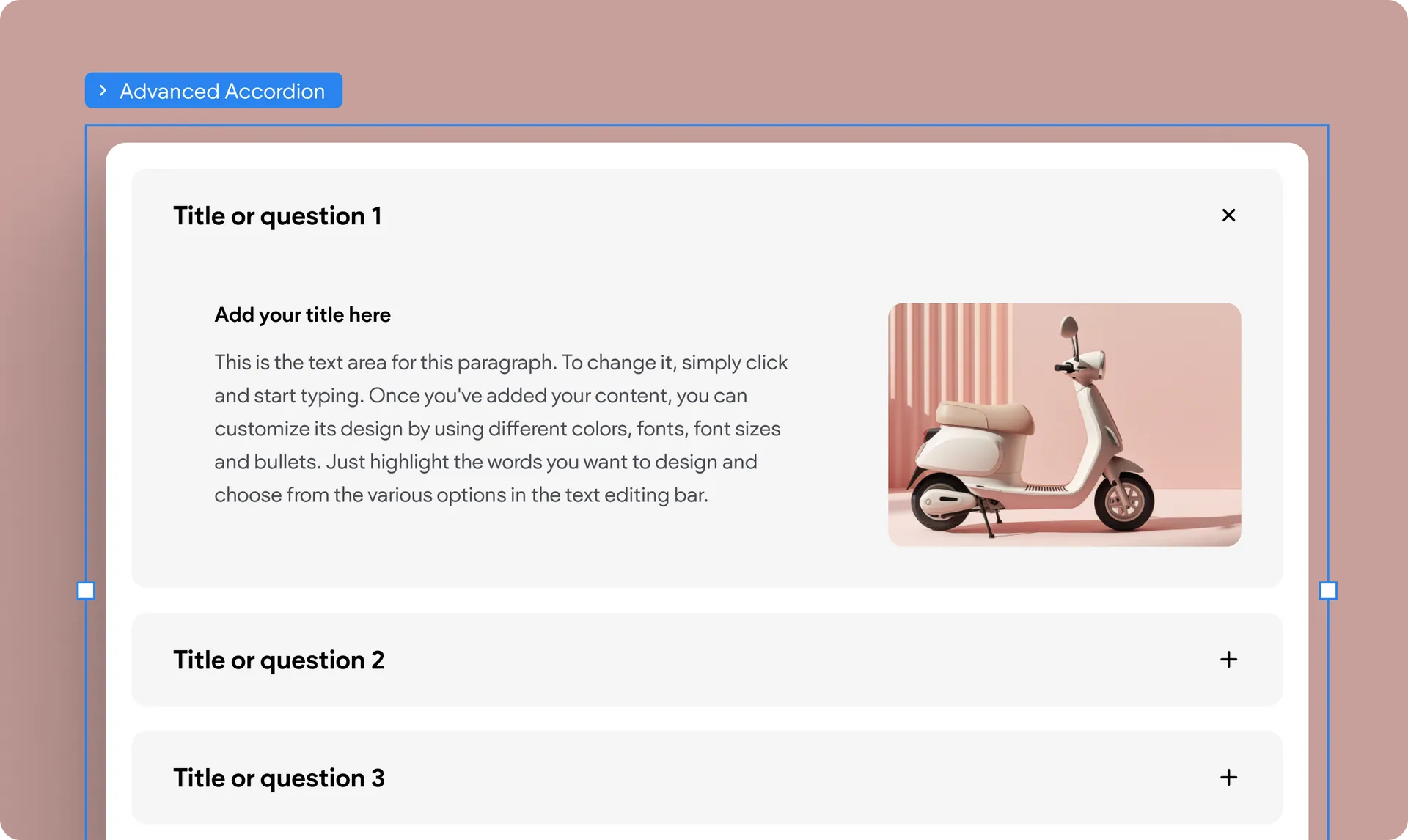
Another Advanced Widget with Total Design Flexibility: Advanced Accordion
Following the recent release of the Advanced Tabs, Editor 2.0’s fully customizable widget, we’re happy to update that we’ve now added the Advanced Accordion to this smart widget category. Both widgets offer unparalleled design customization power, allowing you to incorporate any widget or layout you want.
Add any widget or element to each accordion item
Whether you like to use an accordion widget for your sites’ Q&A content or for anything else, this advanced widget lets you insert any element or widget to the accordion’s inner column—the expanded content area.
So anything from the obvious text, video, image, and button to the less obvious map, form, menu and more, can go here.
Customize each item the way you want it
One of the cool things about advanced widgets is that you can design each of their components differently and independently. The choice, the design power, and the control is yours.
The Advanced Accordion is designed to give you ultimate flexibility in how you present complex information, making your sites more interactive and engaging for visitors.
Was this article helpful?
That’s Great!
Thank you for your feedback
Sorry! We couldn't be helpful
Thank you for your feedback
Feedback sent
We appreciate your effort and will try to fix the article