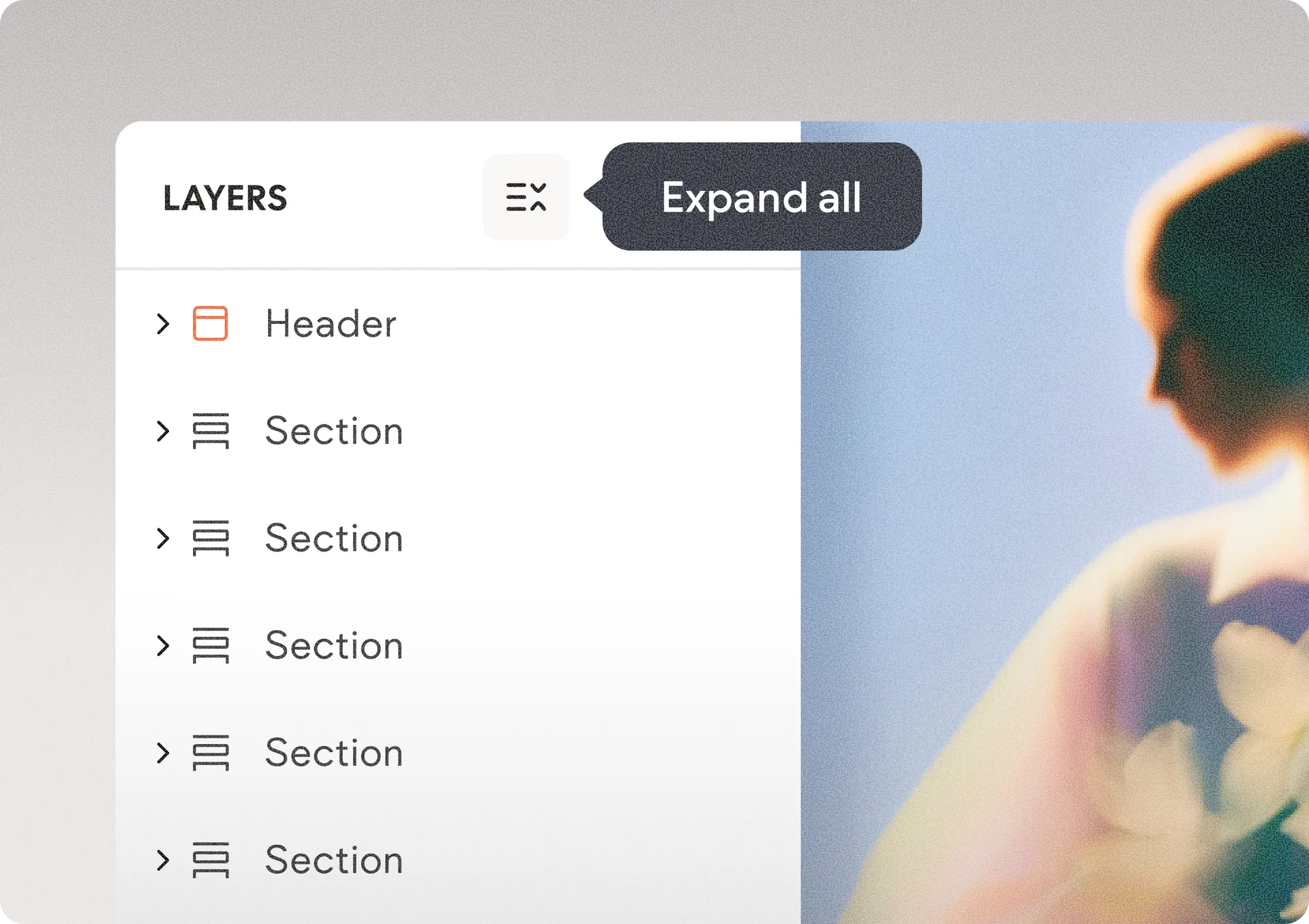
Review and organize complex layers on the canvas faster
We’ve added a new toggle button to the top of the Layers panel that lets you instantly expand or collapse your entire layer hierarchy with a single click. Instead of manually opening layers one by one when working on complex page structures, you can now quickly reveal all layers and sub-layers or reset the panel back to section level in seconds.
This update makes it much easier to review, navigate, and organize large page structures while keeping your Layers panel clean and manageable. It also builds on the panel’s existing smart behavior, which automatically expands relevant parent layers and remembers your preferred expand/collapse state across sessions.
Was this article helpful?
That’s Great!
Thank you for your feedback
Sorry! We couldn't be helpful
Thank you for your feedback
Feedback sent
We appreciate your effort and will try to fix the article