Monthly Wrap Up
This post is part of our Monthly Wrap Up series—a collection of small product and feature improvements we’ve released in the past month. All updates mentioned below are available in Editor 2.0.
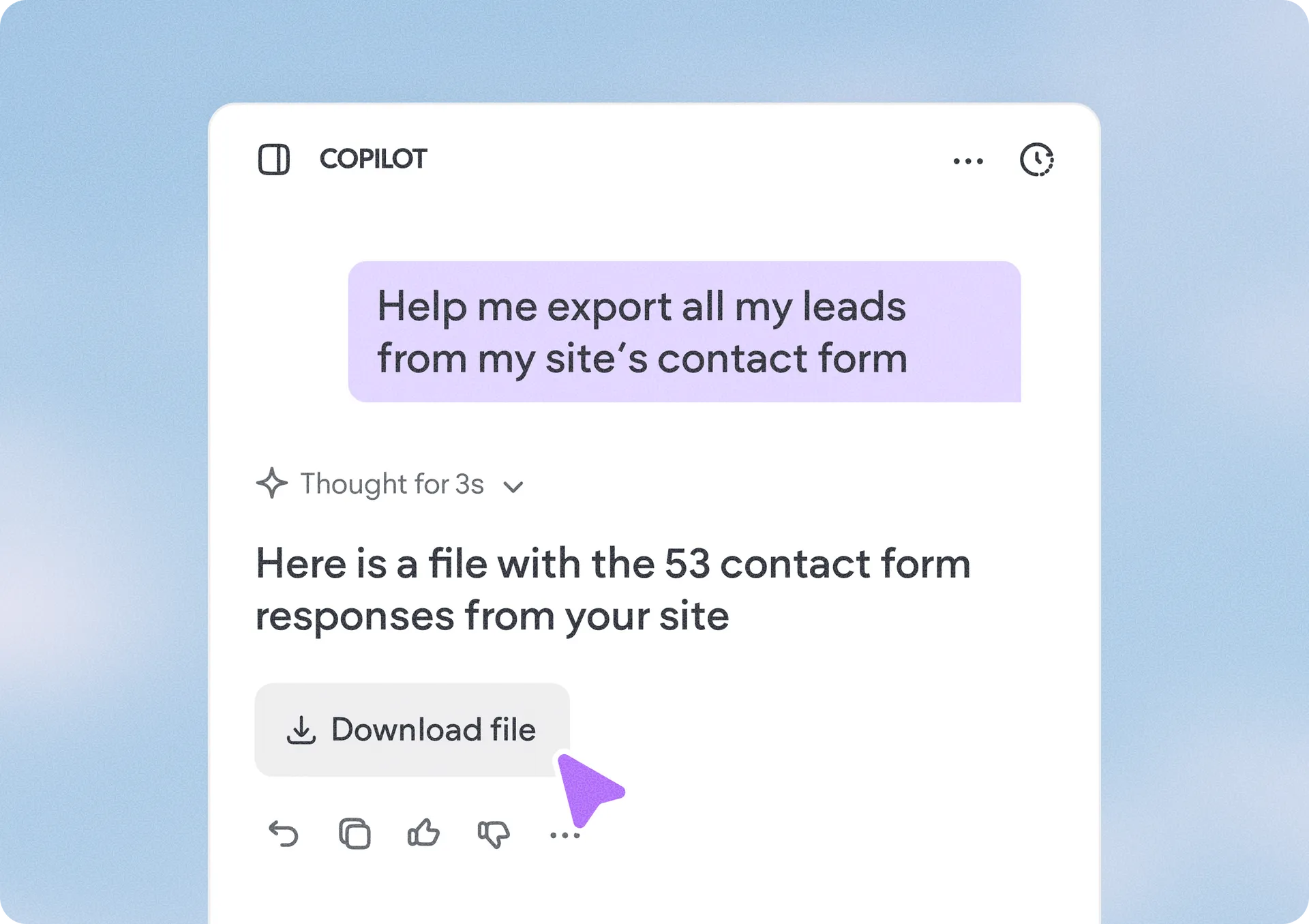
Export your Copilot data in just a few clicks
You can now export Copilot data into downloadable files, making it easier to organize, share, and work with your business information outside the platform. Whether it’s form submissions, store orders, or booking details, Copilot now supports exporting data in CSV, Markdown (MD), and TXT formats for added flexibility and convenience.
This can help you up your data analysis, record keeping, and collaboration workflows by giving you quick access to your data in the format that works for you.
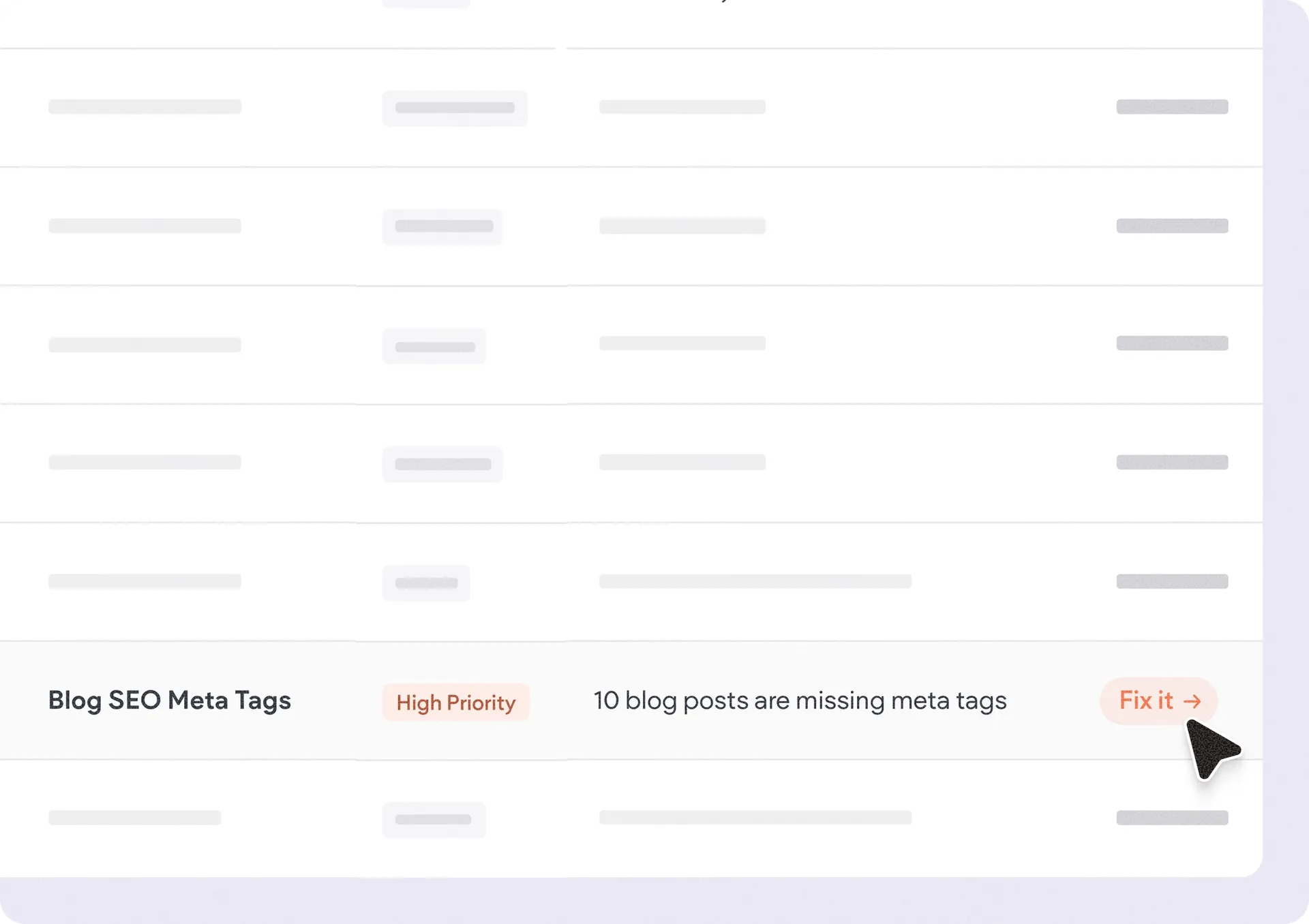
Spot missing blog meta tags with Site Audit
Our Site Audit tool will now automatically flag blog posts that are missing meta titles or descriptions, helping you quickly identify SEO gaps across your site. You’ll also get a direct link to edit and fix the missing meta tags right away, making optimization faster and more efficient.
This makes it easier to maintain strong SEO best practices across blog content, improve search visibility, and ensure important pages are fully optimized without manually checking every post.
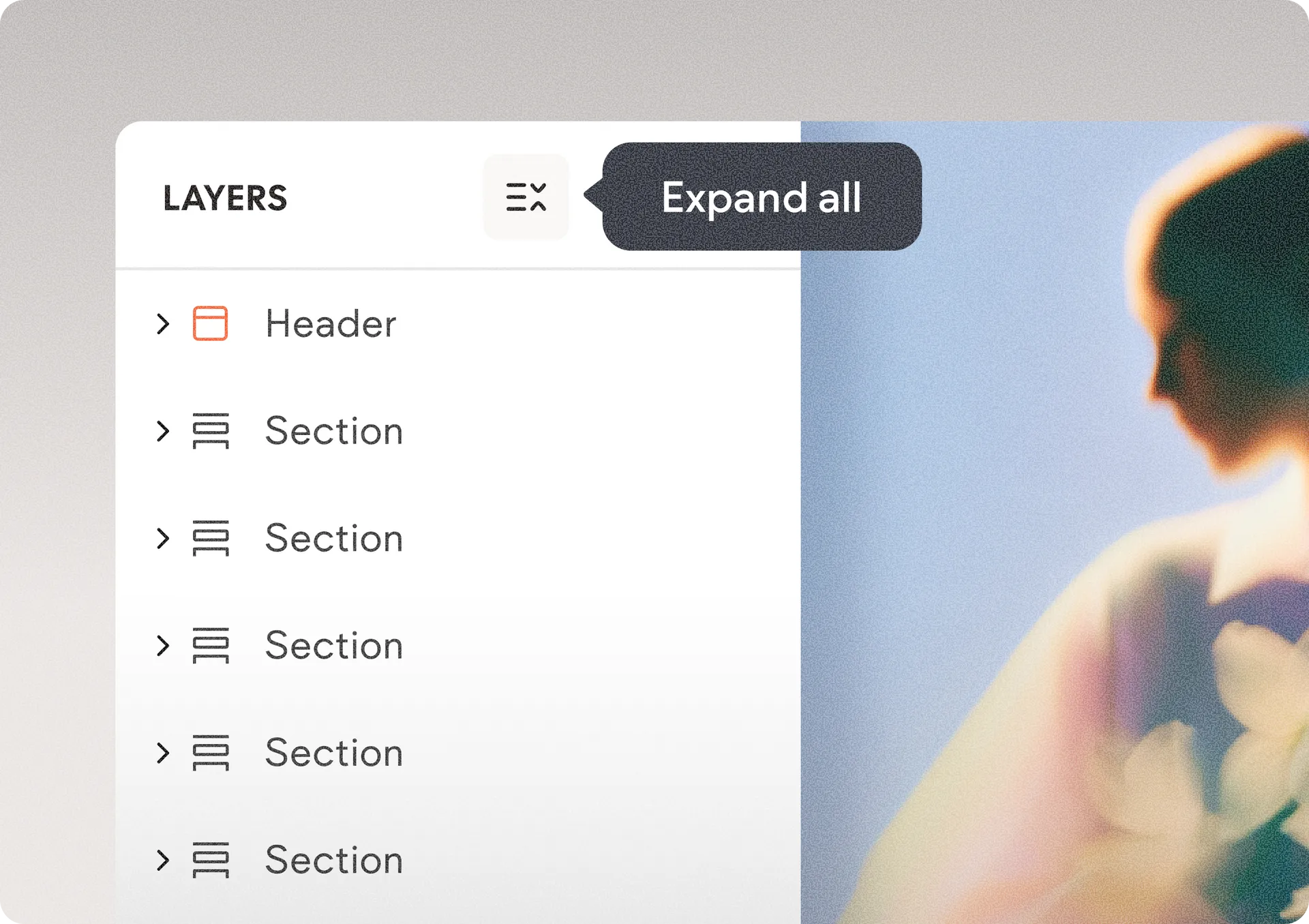
Review and organize complex layers on the canvas faster
We’ve added a new toggle button to the top of the Layers panel that lets you instantly expand or collapse your entire layer hierarchy with a single click. Instead of manually opening layers one by one when working on complex page structures, you can now quickly reveal all layers and sub-layers or reset the panel back to section level in seconds.
This update makes it much easier to review, navigate, and organize large page structures while keeping your Layers panel clean and manageable. It also builds on the panel’s existing smart behavior, which automatically expands relevant parent layers and remembers your preferred expand/collapse state across sessions.
Find matching icons faster with “More like this”
We’ve added a smarter way to discover consistent icon styles in the Media Manager when browsing stock icons. See an icon you like? Hover over the magnifying glass to see “More like this,” and instantly view a collection of similar icons you can choose from.
This will make it easier to maintain a cohesive site design, speed up the icon selection process, and quickly find visually related icons without starting a new search from scratch.
That's it for these Monthly Wrap Up updates. See you again next time!
Was this article helpful?
That’s Great!
Thank you for your feedback
Sorry! We couldn't be helpful
Thank you for your feedback
Feedback sent
We appreciate your effort and will try to fix the article