Edit Connected Data Directly On the Canvas
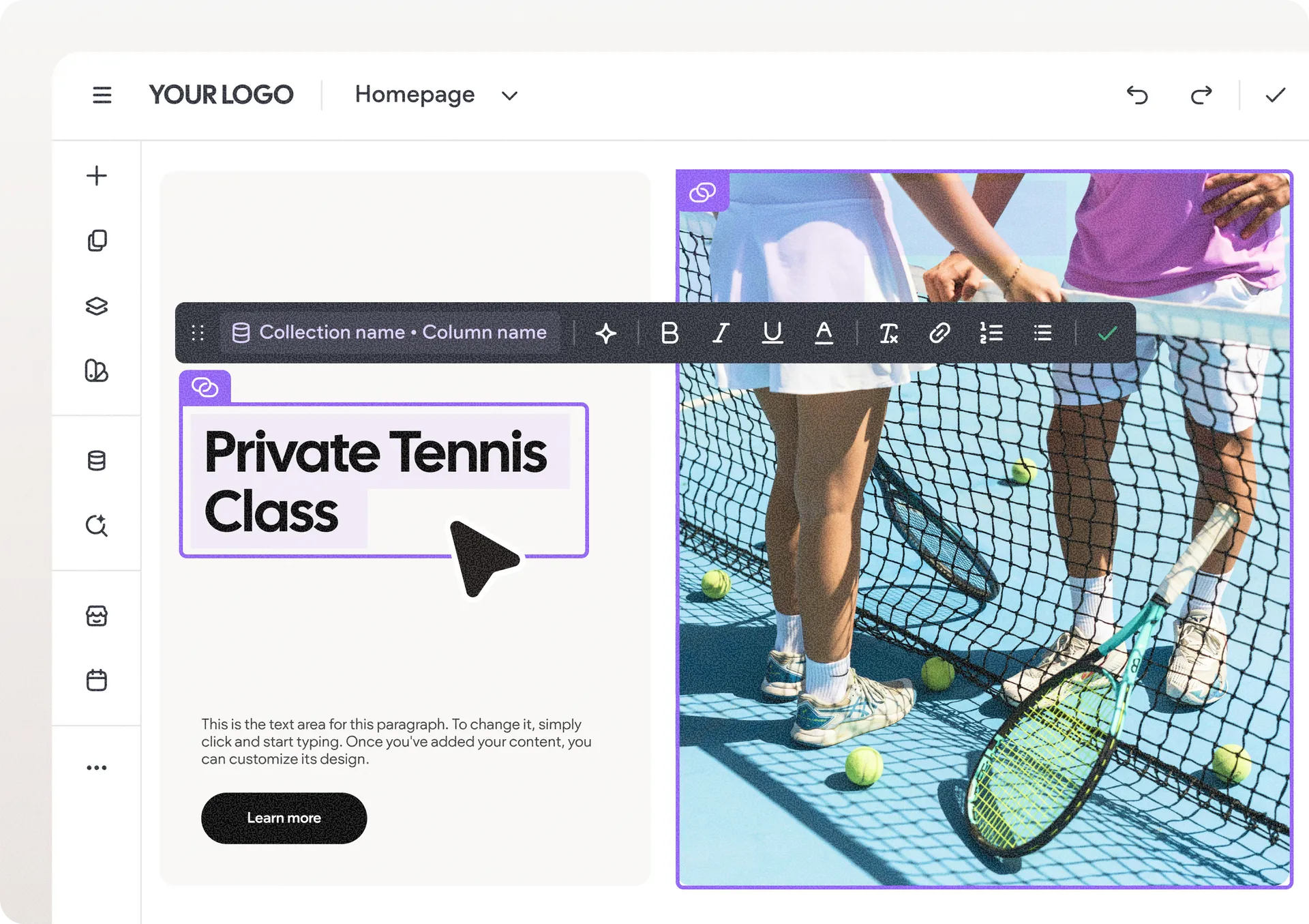
We’re excited to share our recent improvement: the ability to edit connected data—connected text and images—right on the canvas. This offers a new way to update dynamic content without ever leaving your design environment.
Edit without interruptions
You can now modify connected text and images directly from the canvas. This keeps your workflow smooth and design-first, even when working with dynamic content. Just keep in mind that any such edits you make to connected text and images on the canvas also update the data source they're connected to (e.g., a collection or your Content Library).

Consistent design, everywhere
We’ve also synchronized the design settings with your data changes on the canvas to ensure that what you see while editing content perfectly matches your canvas—down to typography and spacing—to eliminate any unexpected design discrepancies.
Faster content updates at scale
With fewer steps required to update connected data, you can manage even large, data-driven sites more efficiently. The result is a faster, more seamless way to keep content accurate, consistent, and live.
We hope you find this update useful as it helps you manage dynamic, data-heavy sites in a smoother and more intuitive way.
Was this article helpful?
That’s Great!
Thank you for your feedback
Sorry! We couldn't be helpful
Thank you for your feedback
Feedback sent
We appreciate your effort and will try to fix the article