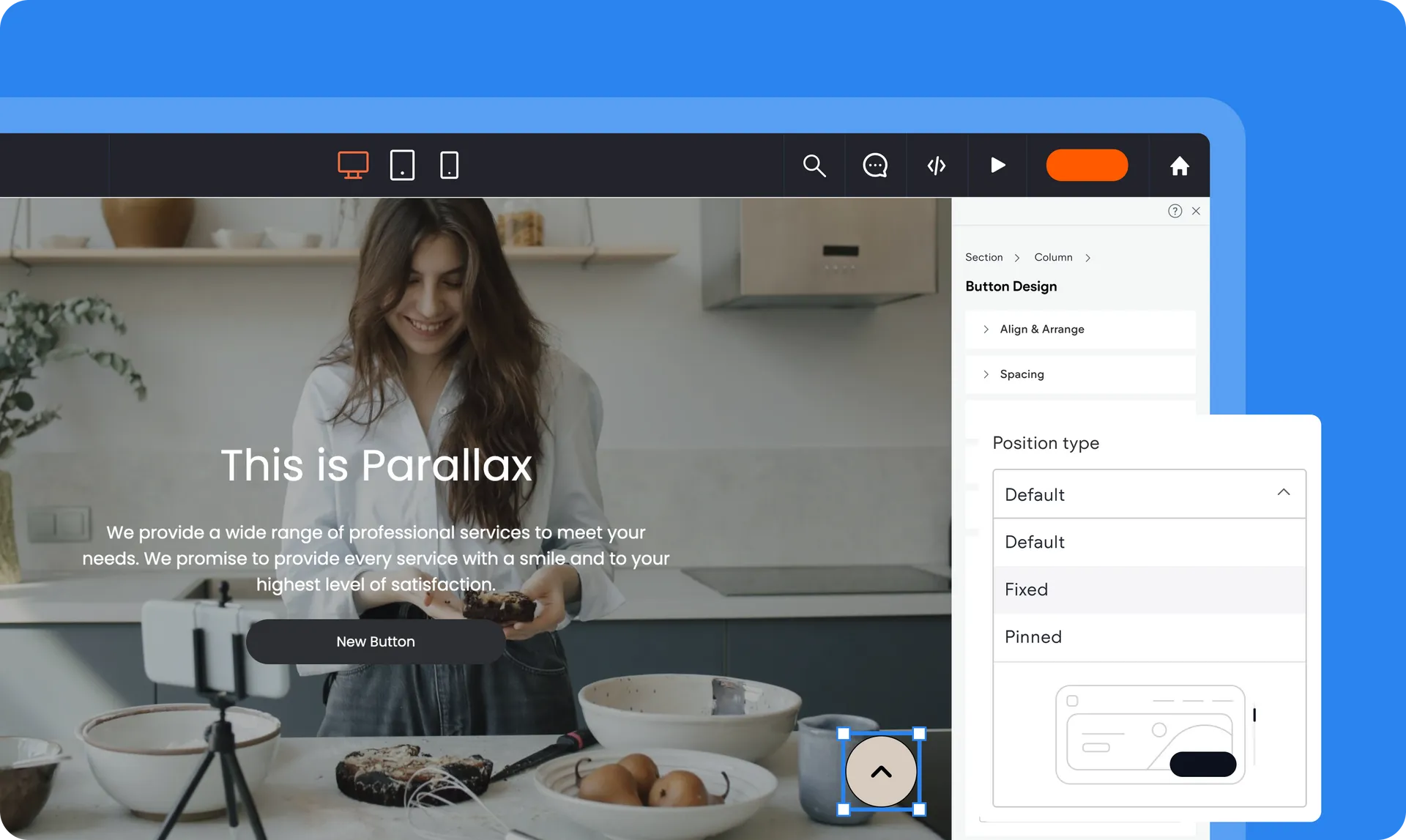
What’s New in Editor 2.0: Enhanced Features You Should Know About
A More Powerful Way to Manage and Grow Your Recruitment Website
Editor 2.0 introduces a range of improvements designed to give recruitment agencies more flexibility, better performance, and greater control over how their websites look and function.
If your website plays a key role in attracting candidates and winning new clients (and it should), these enhancements are built to support that growth.
Here’s what’s new — and why it matters to your agency.
1. Greater Layout Flexibility
Editor 2.0 allows you to design pages with far more precision than before.
You can now:
Create more advanced section layouts
Adjust spacing and alignment with greater control
Design cleaner team and consultant profile pages
Structure sector and location pages more strategically
For recruitment agencies, this means your website can better reflect your brand positioning — whether you operate in executive search, niche technical recruitment, or high-volume hiring.
2. Improved Spacing & Alignment Controls
Small design inconsistencies can affect how professional your website feels.
Editor 2.0 introduces enhanced padding, margin, and alignment controls, helping you:
Improve the layout of consultant grids
Balance job listing pages
Create clearer content hierarchy
Maintain consistent spacing across devices
This results in a more polished and trustworthy user experience — which is essential in recruitment.
3. Faster Runtime Performance
Speed directly affects candidate behaviour.
Editor 2.0 includes performance improvements that help your site:
Load faster across desktop and mobile
Transition smoothly between job listings and detail pages
Reduce layout shifts and delays
For recruitment websites, better speed can lead to:
Higher job application completion rates
Lower bounce rates
Improved search visibility
Stronger overall engagement
Even small performance improvements can produce measurable business impact.
4. Better Mobile Responsiveness
Most candidates browse and apply via mobile devices.
Editor 2.0 gives you more control over how layouts appear on:
Desktop
Tablet
Mobile
You can adjust sections specifically for smaller screens to ensure:
Clear job descriptions
Easy-to-click apply buttons
Properly formatted consultant bios
Simplified navigation
This helps reduce drop-offs and improve conversion rates.
5. More Control Over Dynamic Pages
Recruitment websites rely heavily on dynamic content, including:
Job detail pages
Consultant profiles
Sector landing pages
Location pages
Editor 2.0 improves how you structure and design these dynamic pages, giving you more control without disrupting automated content feeds from your ATS.
This means better branding without sacrificing automation.
6. Built for the Future of Search
As AI-powered search continues to evolve, structured and fast-loading websites perform better.
Editor 2.0 supports:
Clean page structure
Clear content hierarchy
Strong technical foundations
This helps keep your recruitment website competitive in both traditional and AI-driven search environments.
What This Means for Your Recruitment Agency
Editor 2.0 isn’t just a visual upgrade — it’s a performance and growth upgrade.
With these enhanced features, you can:
Present your consultants more professionally
Improve candidate experience
Increase job applications
Strengthen employer confidence
Future-proof your online presence
Your website is one of your most important business assets. Editor 2.0 ensures it performs at the level modern recruitment demands.
Was this article helpful?
That’s Great!
Thank you for your feedback
Sorry! We couldn't be helpful
Thank you for your feedback
Feedback sent
We appreciate your effort and will try to fix the article